
PRINTING
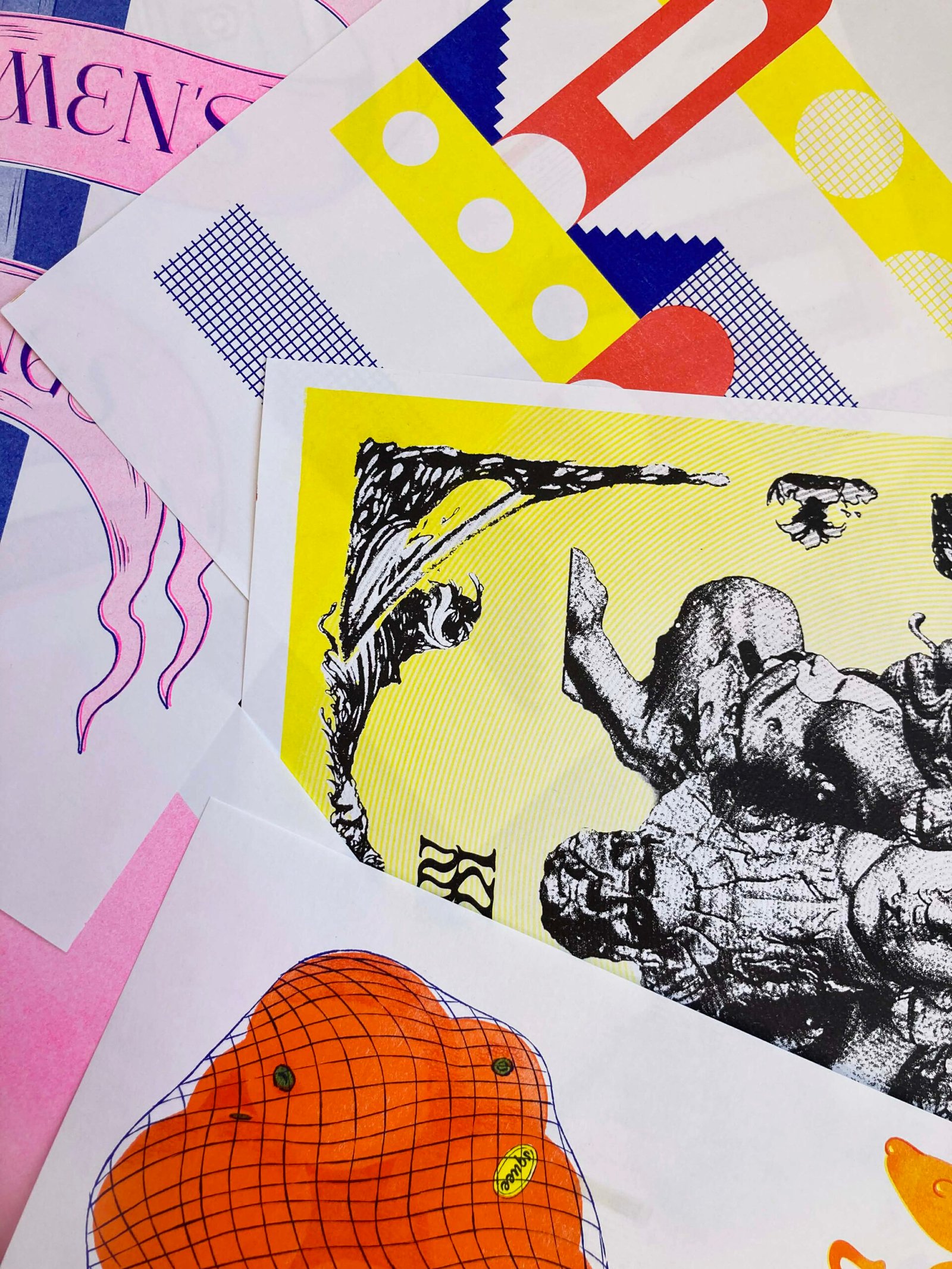
SMUDGING, MISREGISTRATIONS, ROLLER MARKS, THESE ALL ADD TO THE UNIQUE, ICONIC LOOK OF RISOGRAPH PRINTING.
RISO PRINTING IS LOVED
FOR ITS IMPERFECTIONS.
WHAT IS RISOGRAPH PRINTING?
Risograph printing is a stencil-based, eco-friendly printing process known for its vibrant colours, unique textures, and affordability in medium to large print runs.
Popular among artists, designers, and small publishers, Riso printing is valued for its distinctive aesthetic: imperfect alignments, bold colours, and a tactile, handmade quality.
Developed in Japan in the 1980s, it uses soy-based inks and a process similar to screen printing, layering one colour at a time through a master stencil.
Check out our in-depth Risograph guide and templates at the
bottom of the page.
How does it work?
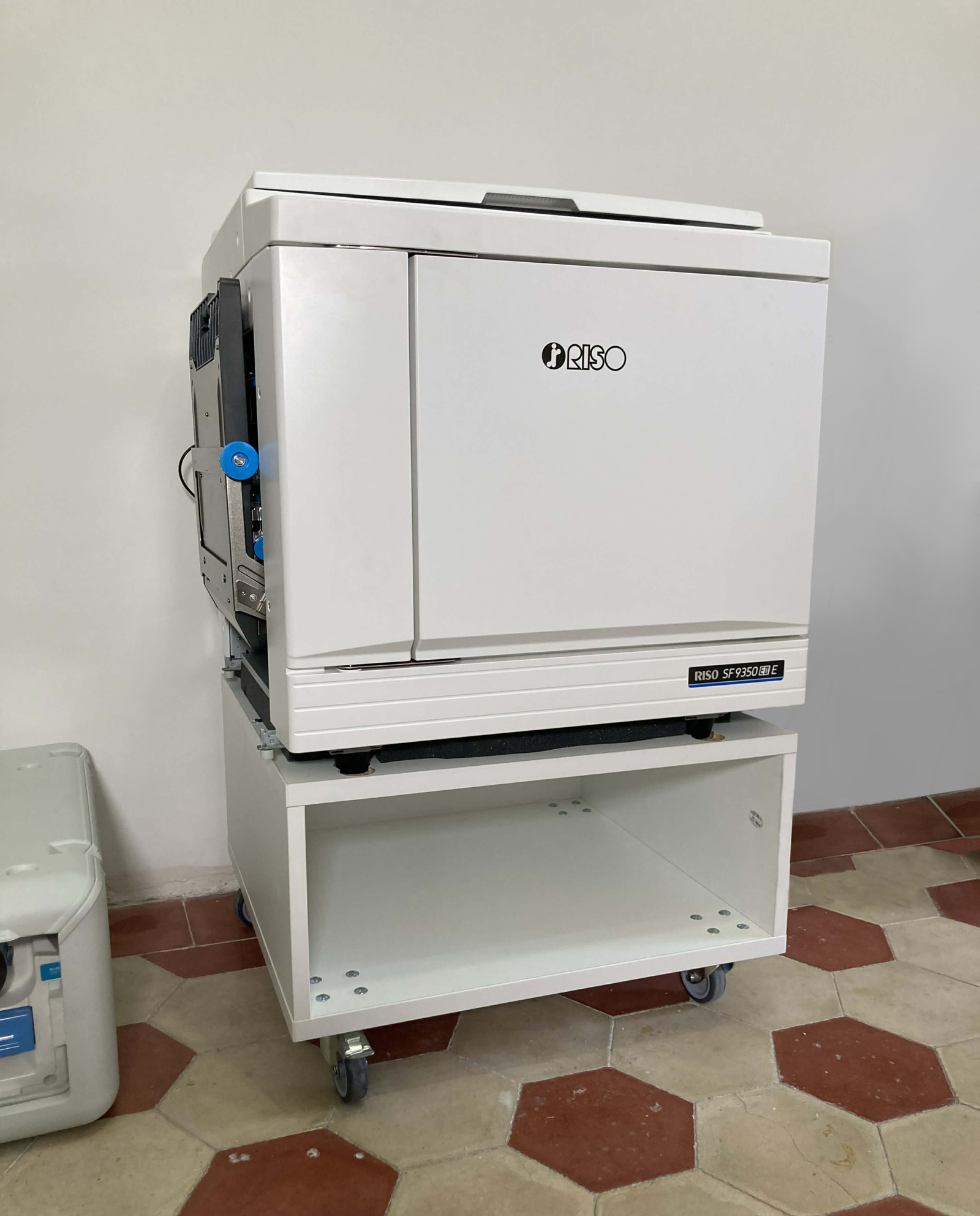
Risograph printing uses a digital duplicator that creates a stencil (called a “master”) for each colour layer. The machine wraps the master around an ink drum, which then pushes soy-based ink through the stencil onto paper.
Each colour is printed separately, so multi-colour prints are produced by layering colours one at a time—requiring precision and planning, much like screen printing. Because of this, slight misalignments, overlaps, and texture shifts are common.
Stencils are created especially for each colour drum and cannot be used on another colour. Multicoloured prints are produced by switching out the drums, overprinting, and again running the paper through the Riso. Only one colour is printed at a time.
The thermal head creates the image of your print on a master paper. Master paper is a thin paper, that wraps around an ink drum. The ink drum rotates during printing, causing the ink to transfer through master paper onto sheets of paper. Data/image is sent to the machine via a scanner table that is of the riso machine or via computer.
Printing starts with the pickup roller taking a sheet of paper from paper feeder, the drum(s) print the image on it and finally, a special needle removes the paper from drums and ejects it.
The ink drum is the variable part of the machine. Each colour has its own drum, so the number and colours of drums present the colour palette and possible colour combinations. You can overlap different colours and create new shades, this works best when overlaping colours are not too dark.
OUR CURRENT AVAILABLE COLOURS

FLUORO PINK
#FF48B0

TEAL
#00838A

YELLOW
#FFE800

MEDIUM BLUE
#3255A4

RED
#FF665E

BLUE
#0078BF

ORANGE
#FF6C2F

BLACK
#000000
KEEP IN MIND:
➤Smudging might occur on a finished print. Since Risograph inks are eco-friendly & rice bran-based, the outcome is very similar to newspaper prints. Riso inks are never fully dry, so we recommend that you avoid using large areas of color on the covers, which would cause people touching them when flicking through your zine/book, so transfering some ink on their fingers and maybe smudging inner pages.
➤Uneven Ink coating will occur due to the printing process of the machine. We try to avoid this issue as much as possible, but when large areas of ink are printed, uneven distribution of ink might be noticeable.
➤ Rush jobs may contain some smudging and track marks depending on the time frame.
➤Track marks may appear on prints that require more color layers. With multiple color layers, the machine’s paper feeder has a higher chance of transferring wet ink like track marks. We try to avoid this by taking more time for printing, meaning we leave prints to dry longer before printing another layer of color.
➤ Misalignments
(mis-registration) might occur for prints with multiple color layers. A multi-color or double-sided print requires multiple passes through the machine which can result in the higher probability of misalignments between color layers and pages.
➤ For double-sided printing, we recommend that you use less saturated colors and therefore avoid possible “piercing” of the ink to the other side.
Templates
A5
- Suitable for flyers.
- You can fit four A5s onto an A3.
- Includes full bleed, reduced bleed and no bleed guides.
A4
- You can fit two A4s on an A3 sheet, so use this template and drop in your artwork to make sure it fits.
- Includes full bleed, reduced bleed and no bleed guides.
A3
- Default page layout
- Suitable for posters
- Includes full bleed, reduced bleed and no bleed guides.
A6
- Suitable for postcards.
- You can fit eight A6s onto an A3.
- Includes full bleed, reduced bleed and no bleed guides.
Business Cards
- Use this template to drop your artwork into place.
- If you are printing double sided, please create two sets of PDFs from the same template. Either duplicate the document and export each side individually, or turn off the visibility of one side, then the other, and save them as separate files.
- Make sure to label them “FRONT” and “BACK” accordingly.